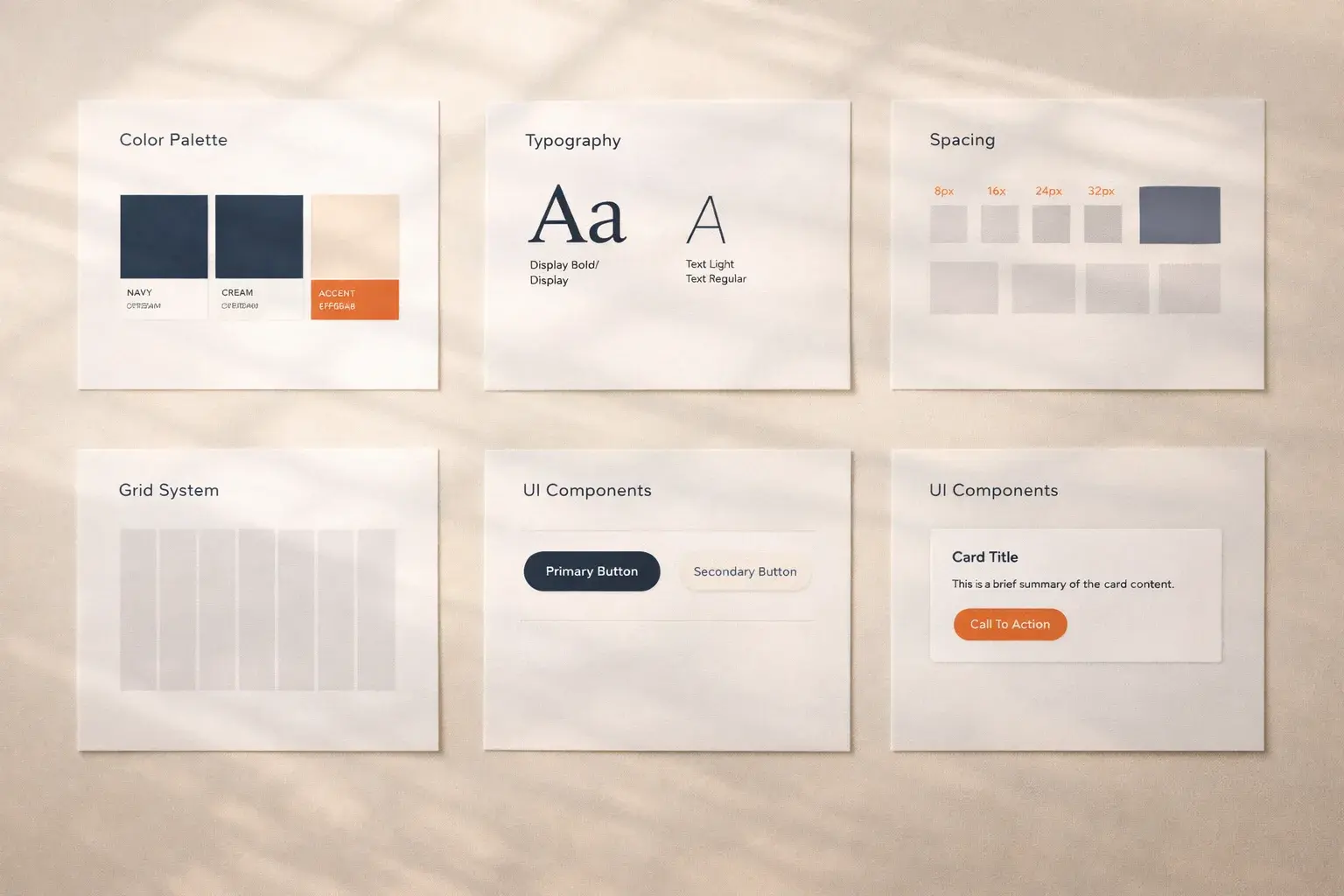
Startups move fast. That speed is an advantage. But without a design system, it also creates visual debt that compounds over time. Every screen built without shared guidelines means inconsistency, rework, and confusion for users.
What a Design System Actually Is
It's not a Figma library. It's a shared language: a set of decisions about color, typography, spacing, and interaction that your entire team agrees on. The Figma library is just one artifact of that language.
A design system includes:
- Design tokens: colors, spacing, typography values
- Component patterns: how buttons, inputs, cards behave
- Usage guidelines: when to use what and why
- Code implementations: the actual components your engineers ship
Start Small, Grow Intentionally
You don't need a comprehensive design system on day one. Start with the essentials:
Typography:    3–5 sizes (body, subtitle, title, display, caption)
Colors:        Primary, secondary, neutrals, semantic (error, success)
Spacing:       4px base grid (4, 8, 12, 16, 24, 32, 48, 64)
Components:    Button, input, card, modal
That's it. Build more as you need it. A design system that ships is infinitely more valuable than a comprehensive one that lives in a Figma file nobody opens.
The Compound Effect
Every component you define once saves hours of debate later. Every token you name removes a decision from future design reviews.
Week 1: You spend 4 hours setting up tokens and 3 base components. Month 3: Every new page takes 40% less time because the foundations exist. Month 6: A small design system has saved weeks of cumulative effort across design and engineering.
Common Mistakes We See
- Over-engineering too early. You don't need dark mode, theming, and RTL support before you have 10 customers
- No single source of truth. Design says one thing, code does another. Pick one system and sync them
- Treating it as a one-time project. A design system is a living product. Budget time for maintenance
- Skipping documentation. If someone can't use a component without asking you, it's not in the system yet
Tools That Work Well for Startups
- Figma: design side, component library with variants
- Tailwind CSS: token-based utility classes that map directly to design decisions
- Storybook: component documentation and visual testing
- Style Dictionary: design token management across platforms
The best time to start a design system is before you think you need one. We've helped startups set up lightweight systems that scale with them, and the compound returns are always worth the upfront investment.